

Online games to play with friends
Play classic card, board, word and dice games with friends wherever they are. Start a game, send the invite link, and you play at the same table in your browsers, on phones or computers. It’s free, with nothing to install.
How it works
- Open a game and tap Friends next to New (in Bunco, choose Play with friends), then Online.
- Sign in with Google and share the invite link with your friends.
- Friends open the link, sign in and take a seat. In most games, computer players fill any empty seats (Chess needs two people).
- All on one phone or tablet? Choose On this device and take turns.
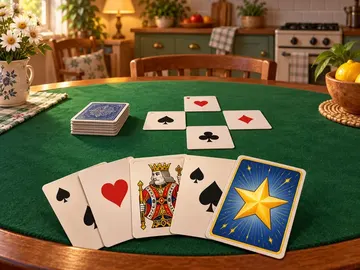
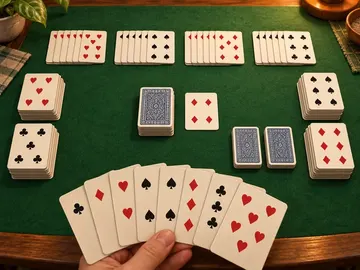
Card games


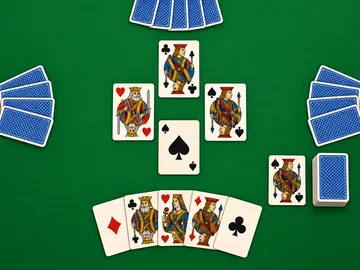
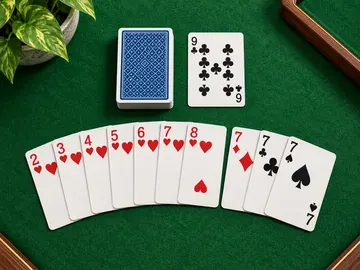
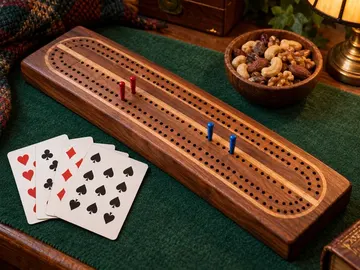

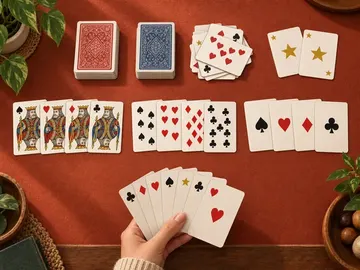




Board games







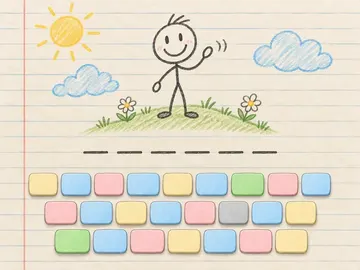
Word games
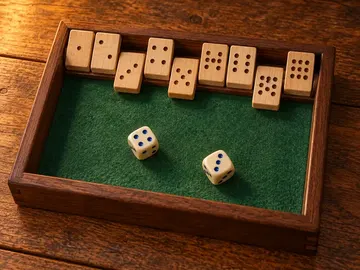
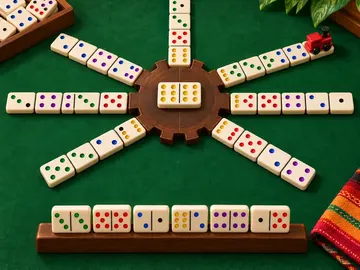
Dice and domino games






Questions
Does it cost anything?
No. Every game is free, online play included.
Why do we need to sign in?
Online rooms are for signed-in players only, so everyone at the table is a real person you invited. Signing in with Google takes a moment. You can still play every game alone or on one device without an account.
Can strangers join our game?
No. There is no public matchmaking and no chat: only people with your invite link can take a seat.
What if a friend leaves mid-game?
A computer player takes over their seat, so the game goes on. Chess has no computer players online: a player who stays away on their turn for two minutes loses the game.
Looking for games for two on one screen? See all 2 player games.